
Horizontal lockup
The default. Headers, decks, documents, email signatures.
Brand kit
Download the logo, the mark and the small icon set. Then use the rules below so every page, deck and post you make reads as ours.
Logo files
The site draws every file from the same geometry as the logo in its header, so a download always matches what you see here. Use SVG for anything that scales and PNG for slides and documents.
The default. Headers, decks, documents, email signatures.
Square and tall spaces. Footers, cover pages, merch.
Icon set
Below 32 pixels the ring and the gear teeth blur into one grey smudge. Keep one of the two and lose the other. The Icarus desktop app runs on this set in the macOS menu bar.
Menu bars and toolbars, where the frame already draws the edge.
16 pixel favicons and badges. The smallest the mark goes.
Template images, embossing and one ink print. The system or the press picks the colour.
The mark
An orange ring holds four gear arcs on the diagonals around a four point compass rose. North is the one orange point. The rest of the rose and the gear take the ink, with light falling from the upper left.
The wordmark sets Traction in Fraunces SemiBold and raises a small IT beside it in Medium Italic. Use the files above every time; a retyped wordmark drifts within a week.
Clear space
Misuse
Rotated
North points up, always.
Stretched
Scale both axes together.
Recoloured
Keep the ring and north in exuberant orange.
Shadowed
Set it flat. Skip shadows, glows and outlines.
On candied yams
Keep candied inside product screens. Set the mark on paper or graphite.
Retyped
Use the wordmark file. Another face makes another company.
Colour
Click a swatch to copy its hex.
The boundary
Exuberant orange marks what we made. Candied yams lives inside the product screens we replicate. Never put the two on one surface, and give each screen one orange thing to look at.
Light and dark
Dark mode keeps the orange and warms the neutrals. Pick these for the surface and the type on it.
| Light | Dark | |
|---|---|---|
| Surface | #FFFEF9 | #151516 |
| Type | #353536 | #EDECE6 |
| Recessed panel | #F7F6F1 | #232325 |
Type
Fraunces SemiBold
Optical size 40. Headlines and the wordmark.
We run your marketing and outreach.
Fraunces Regular
Optical size 14. Paragraphs, fields, anything read at length.
Fifteen minutes on a call starts the system: a shortlist, the openers, the outreach and the retention after the first win.
Fraunces Medium Italic
Eyebrows, buttons, nav links and badges, in sentence case.
Tired of chasing the wrong customers?
Set every label in sentence case. Keep monospace capitals off every Traction surface.
Get Fraunces from Google Fonts ->Photography
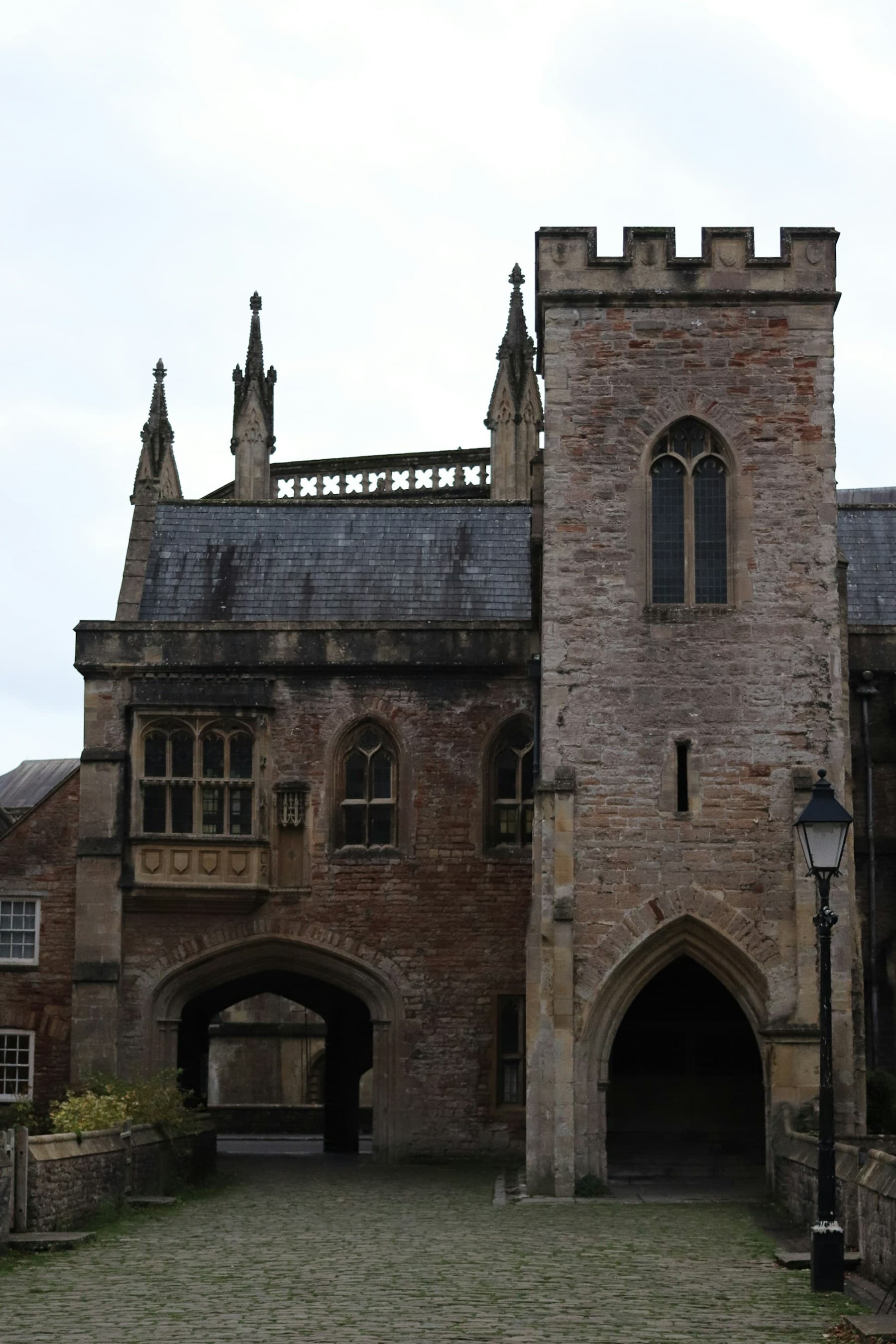
Shoot real scenes: desks, calls, paper, night offices, streets, hands with phones. Push them to hard black and white, then recolour exactly one region. If a picture needs two orange targets to make sense, pick another picture.


Voice
Cut every em dash.
Use the active voice and name the real actor.
Make the reader the subject. Going imperative usually does it.
Say what a thing is and stop.
Drop hype, decorative modifiers and warm up openings.
Permissions
Use these files to write about Traction, link to us, or show work we did together.
Ask first before you put the logo on a product, in an ad, or anywhere it could read as our endorsement.
Questions and press
contact@traction.it.com